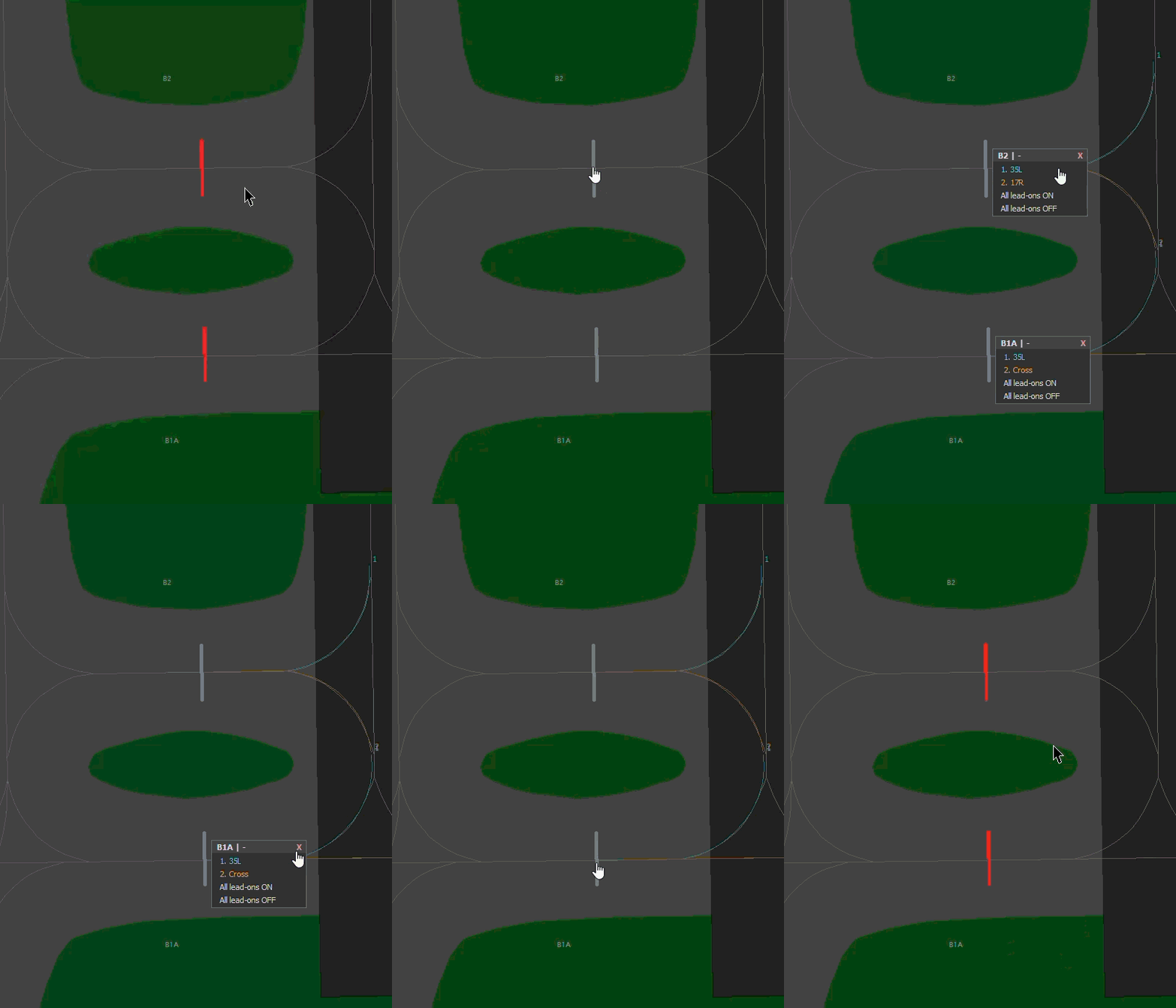
Link stop bars at one gate
Use a linked group when two to four separate bars protect the same gate and must switch together. A group can cover a runway or an apron. Keep unrelated holding positions separate.
Members of the group must have the same:
- Bar type: Stop bar, or Stop bar + IHP.
- Assigned runway set, including APRON where used.
- Default / LVP state.
- IHP visibility and ATC override settings, for combined bars.
Directions and bidirectional settings may differ. IHP only, No entry, Exclusion only and REL rows cannot join a group.
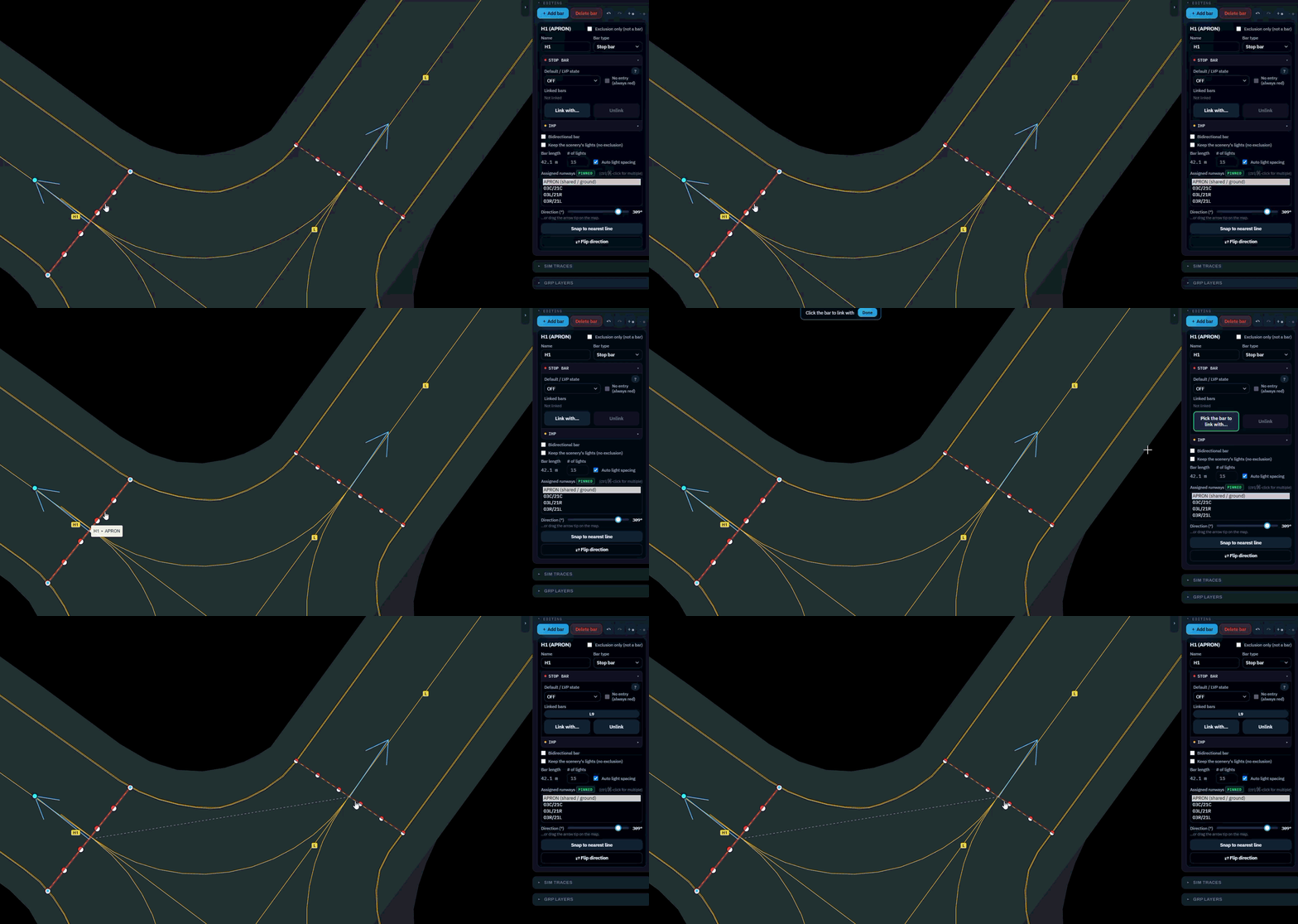
Create or change a group
Section titled “Create or change a group”- Select the first bar.
- Under Linked bars, choose Link with….
- Select another eligible bar on the map.
- Read any warning and check the listed members.
- Save the draft and submit it for review.
What the controller sees
Section titled “What the controller sees”A red ON or OFF command on one member also changes the other eligible members. Combined bars share the IHP override too.