
Your first MSFS flight
Review your MSFS settings before using these controls.
Seeing the lights
Section titled “Seeing the lights”Lights render only below ~1,000 ft AGL - above that the app idles and draws nothing. The dark fixtures appear on their own; the controller-driven red needs you connected to VATSIM. Amber IHP lights mapped ON in Non-LVP show even without VATSIM.
- Open XPGuard first, then start MSFS. With Suppress scenery lights on (the default), wait until preparation finishes, then use
Launch MSFS. If you installed or updated while MSFS was running, restart it once. - Check your scenery. The status card should show the detected scenery with Publisher matching. If not, hit ⟳ Refresh or pick the right one - see Scenery & publisher.
- Connect to VATSIM with vPilot. Bars only light while you are online - offline you see the dark fixtures only. If the VATSIM row does not pick it up, switch on Force.
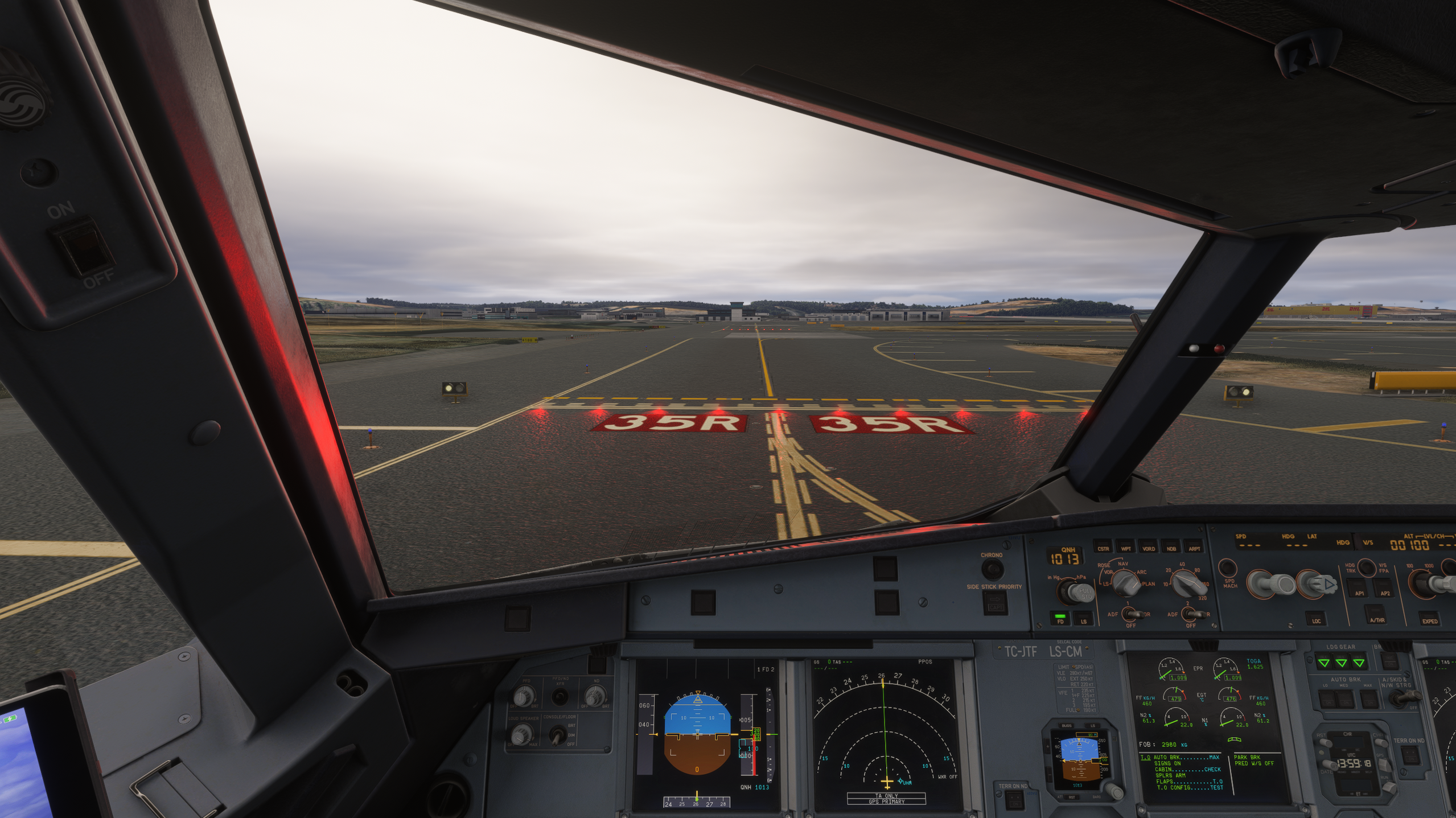
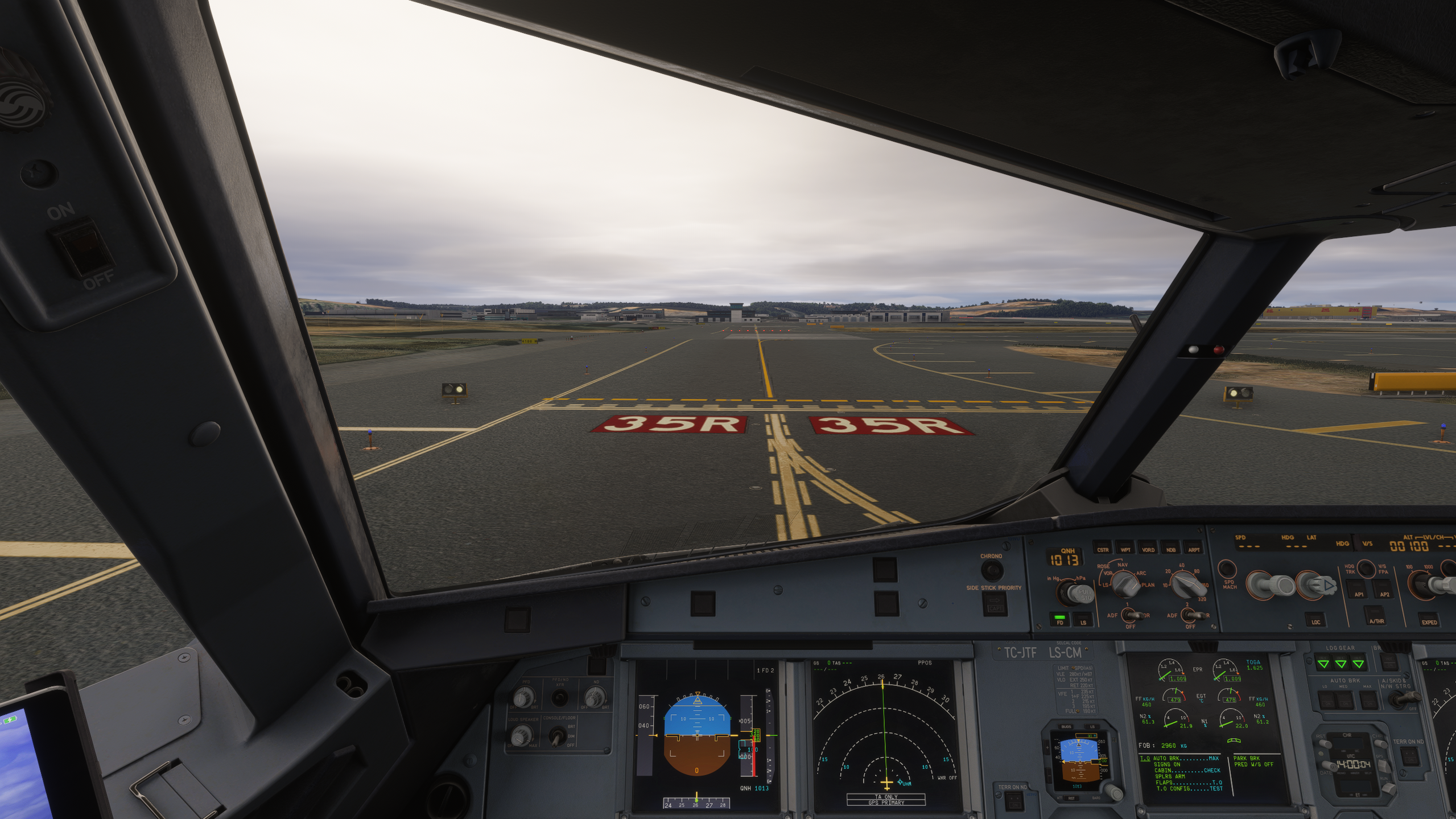
For what each light means and how much of a THL/REL array lights up, see The lights.